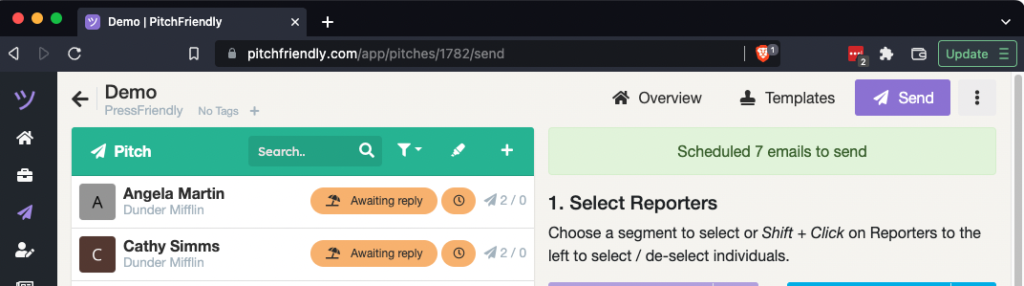
PitchFriendly keeps the press list, templates, reporter drafts, sent messages, and replies together in one pitch.
1. Create the pitch workspace
A pitch groups the reporters, templates, and messages for one story angle or campaign. Create it from the home page or pitches page.
2. Add the press list
Use Upload / Import to add an existing spreadsheet of reporters.
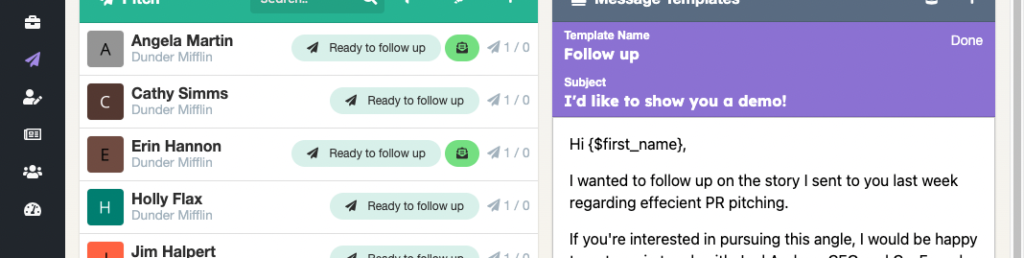
3. Generate reporter drafts from a template
Write the shared message in a template. Generate a separate draft for each reporter, then personalize and review those drafts.
Create a pitch template and reporter drafts
4. Send now or schedule the batch
Open the Send view, select the reporters with completed drafts, and choose when to send them. PitchFriendly spaces the outgoing messages rather than sending the full batch at once.
5. Review replies and prepare follow-ups
Replies arrive in the connected email inbox. PitchFriendly also tracks the conversation in the pitch.