Write better pitches with AI assistance
PitchAssist helps you brainstorm, draft, and refine. You review every suggestion and keep control of the final message.
No credit card required
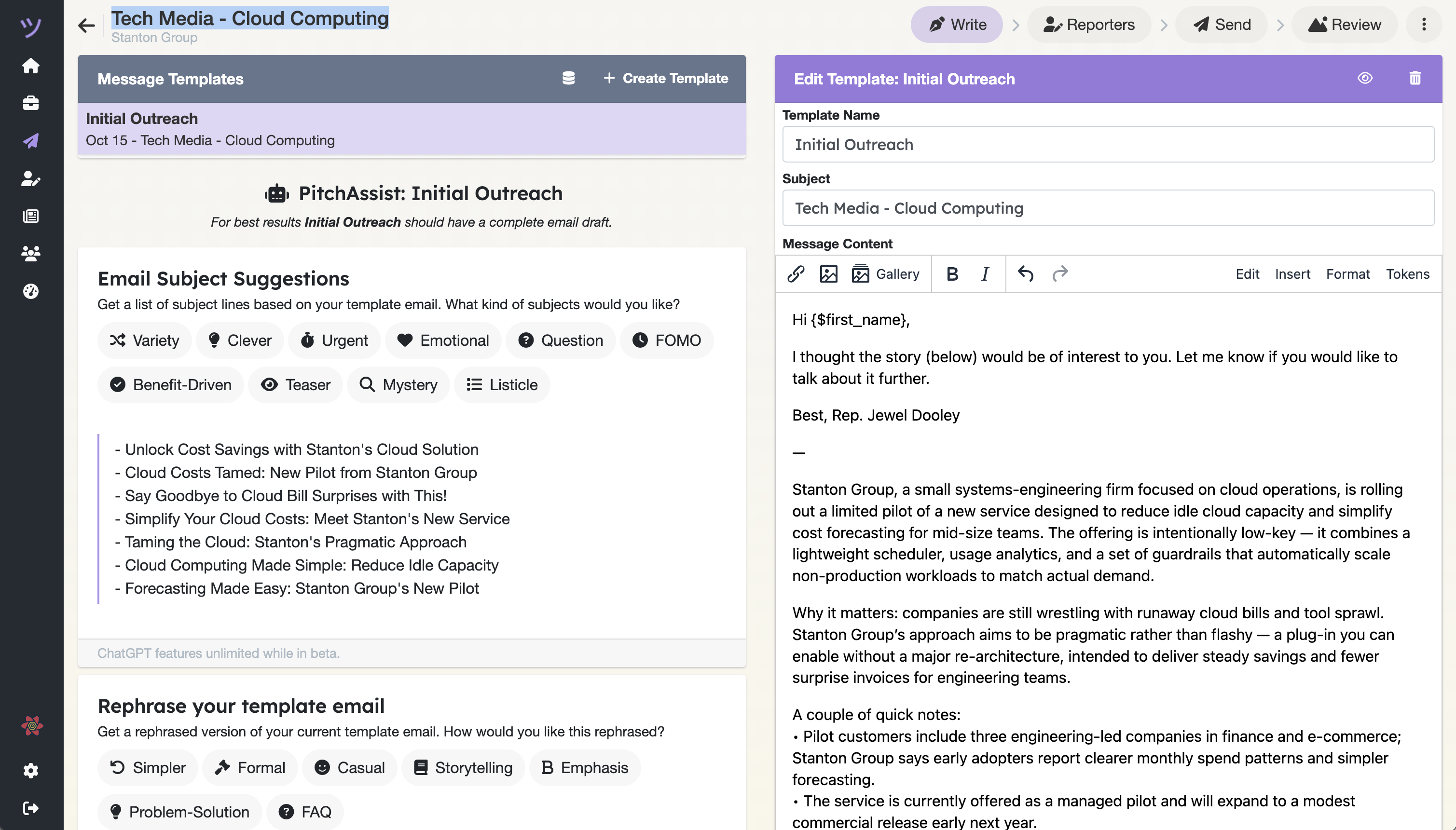
- Brainstorm
- Fresh angles and subject lines
- Refine
- Concise copy and alternate drafts
- You decide
- Review and approve everything
How it works
Bring a rough idea or a finished draft. Ask for the kind of help you need, then use only what improves the pitch.
- 01Enter your pitch and subject line
Start with a rough idea or a fully formed draft.
- 02Choose the response you want
Ask for subject lines, a more concise message, or alternative angles.
- 03Get tailored suggestions
PitchAssist analyzes the pitch and returns ideas in seconds.
- 04Review and refine
Compare the suggestions with your story and reporter relationships.
- 05Use what works
Select the useful ideas and shape the final pitch yourself.
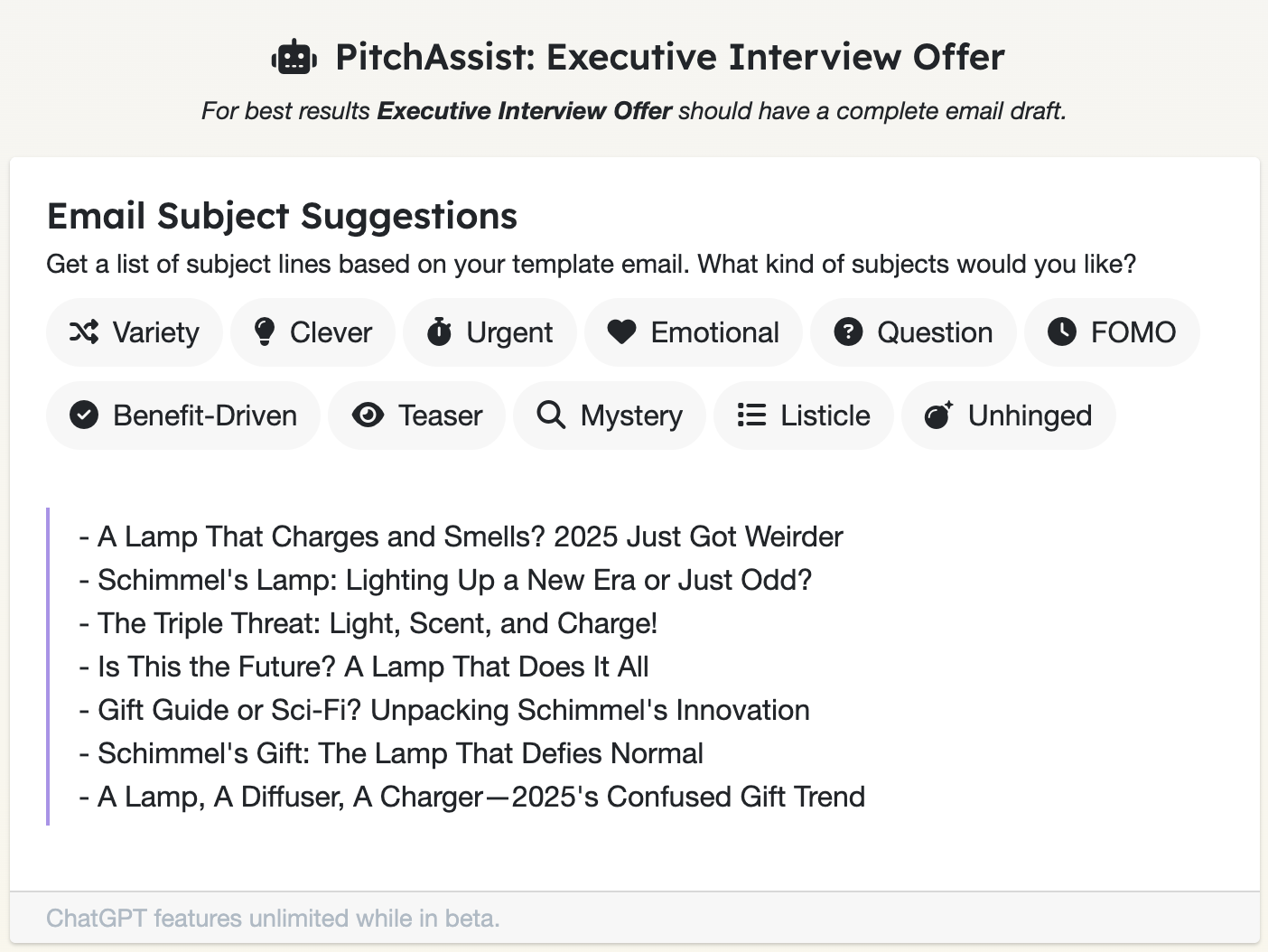
Unhinged Mode
When you need a subject line that stops the scroll
Some pitches benefit from polish. Others need chaotic charm.
Unhinged Mode offers subject lines with a strange, satirical edge. They stay tied to your story while giving the idea a more unexpected frame.
- Professional? Maybe.
- Attention-grabbing? Absolutely.
- Optional? Always.
AI tools, not autopilot.
Your expertise, relationships, and judgment stay in the loop. PitchAssist helps with the blank page and the next revision.
Practical resources
Use AI suggestions inside an evidence-led pitch
Ready to improve your next draft?
Start using PitchAssist today. No credit card required.
Trusted by PR teams for 10+ years