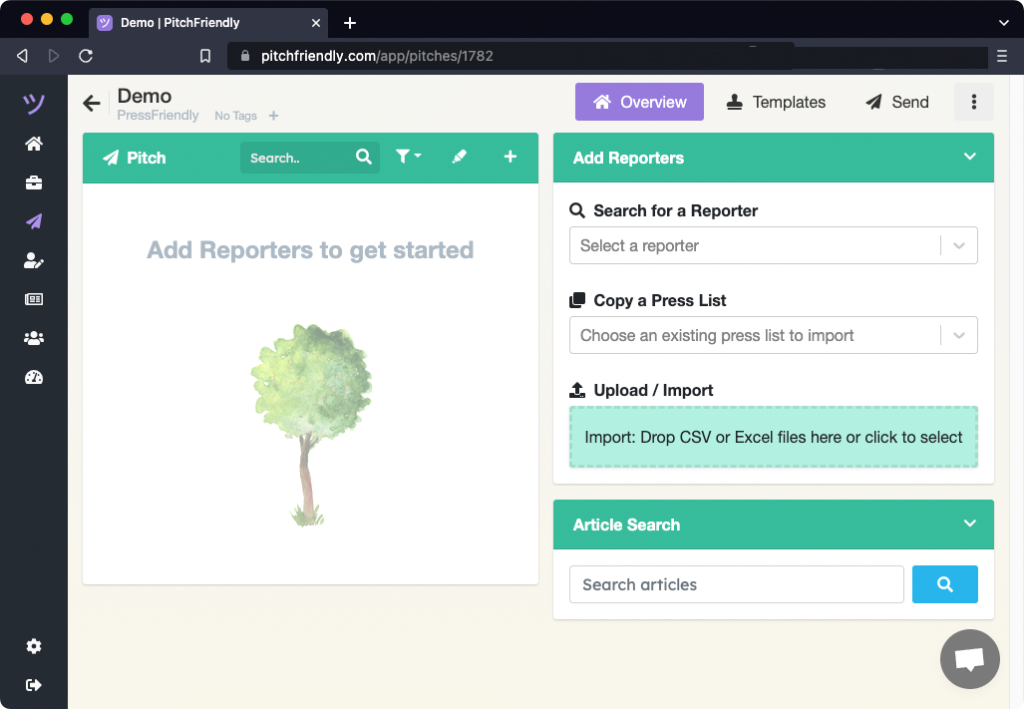
A PitchFriendly pitch groups a press list, message templates, and incoming and outgoing messages. Create one from the home page or the pitches page.
Create a pitch from the home page
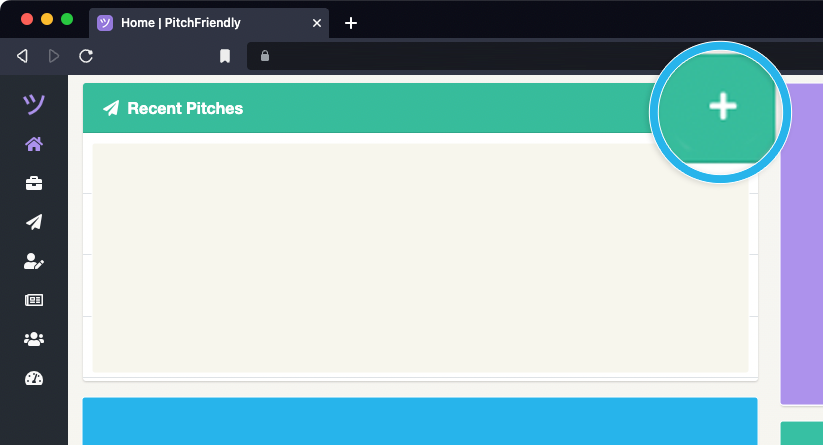
Find Recent Pitches and select the + control. PitchFriendly opens the Add Pitch form.
Create a pitch from the pitches page
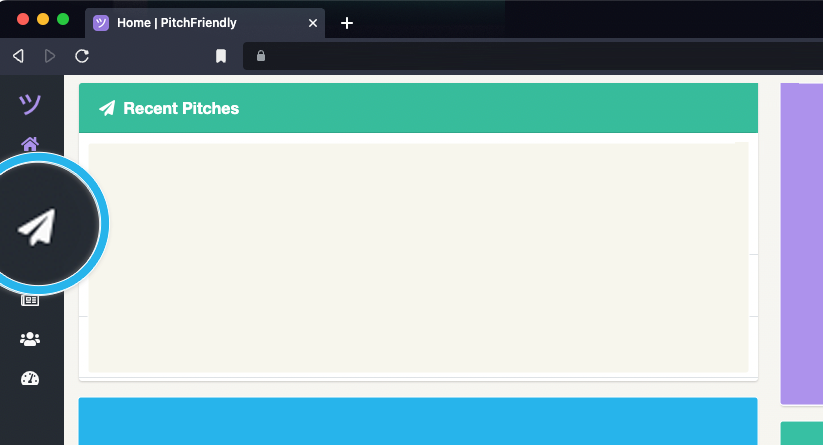
Select the paper-airplane icon in the left navigation to open the pitches page. The Add Pitch form appears on the right.
Name the pitch and select a client
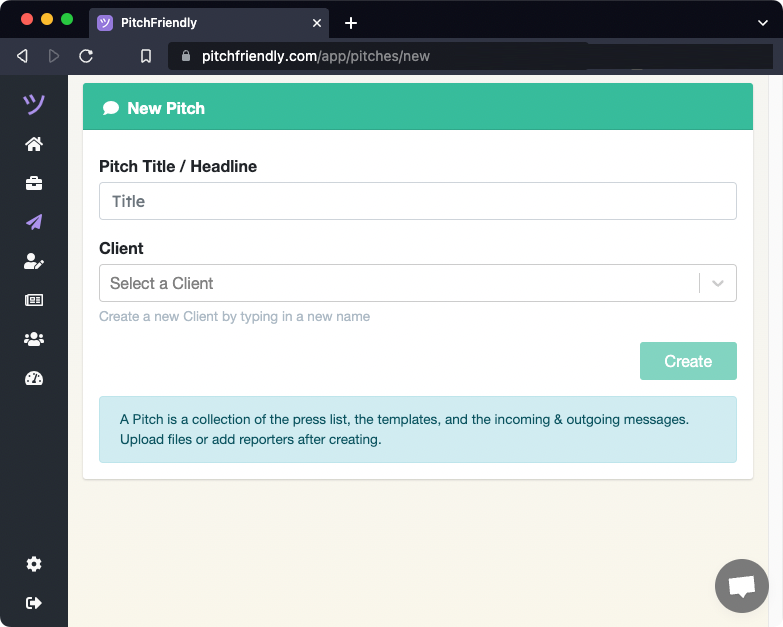
Enter a title that identifies the story angle, then select a client. A client groups related pitches and their performance.
After creation, PitchFriendly opens the new pitch. Add reporters by searching or uploading an existing press list.