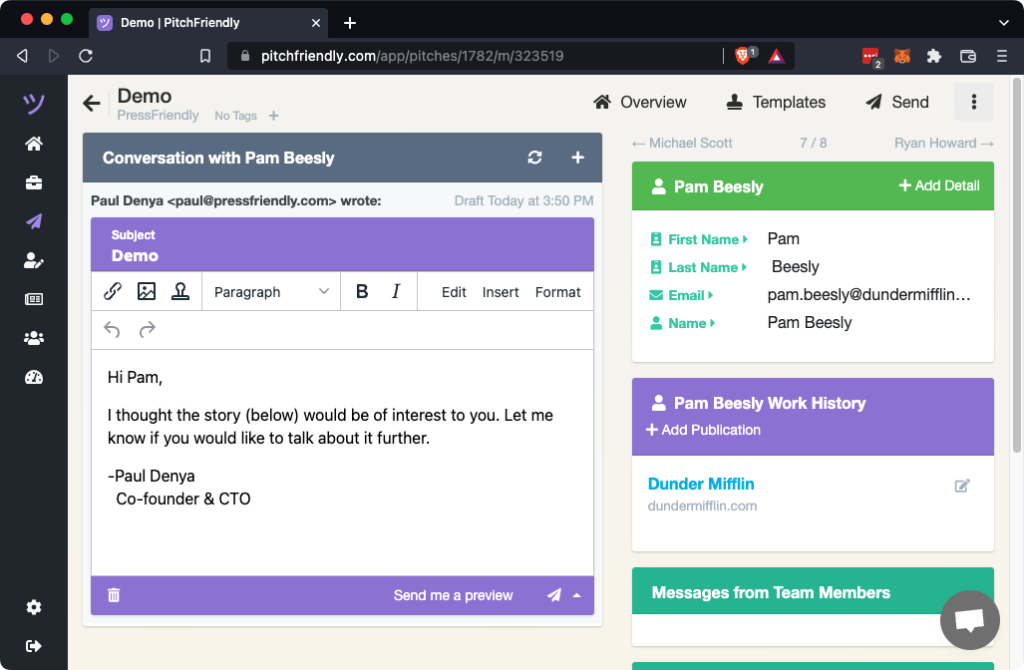
A template holds the shared parts of a pitch. PitchFriendly creates a separate reporter draft from that template so you can review and personalize each message before sending.
Open the Templates view
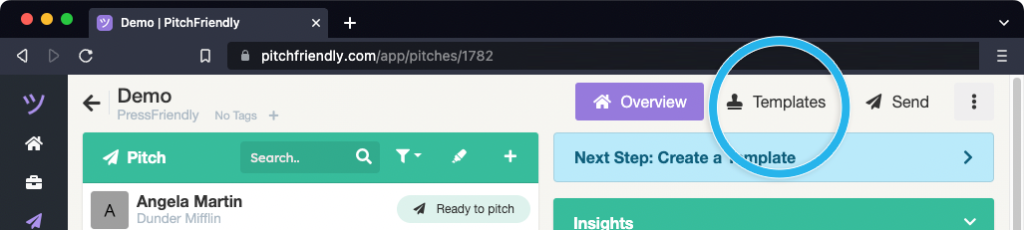
Open a pitch and select Templates in the upper-right corner.
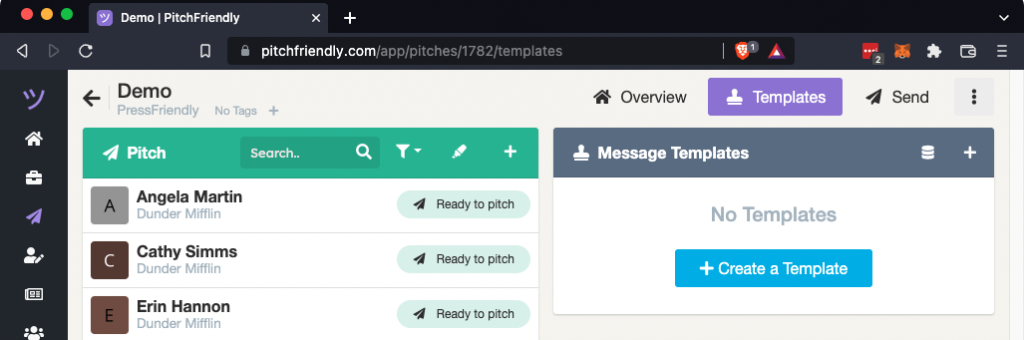
The Templates view displays the pitch's existing templates and the template editor.
Write the shared message
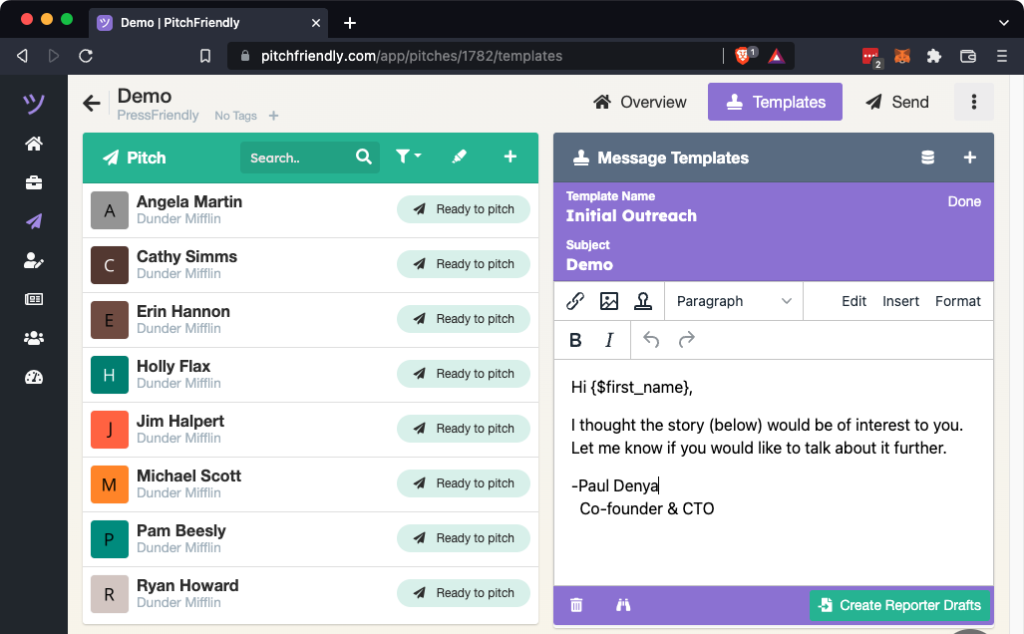
Enter the subject and body as you would in an email client. Use the editor controls to add links, images, or available mail merge fields.
Create a draft for each reporter
Select Create Reporter Drafts below the editor. Confirm the template and inspect the preview, then select Create template drafts for reporters.
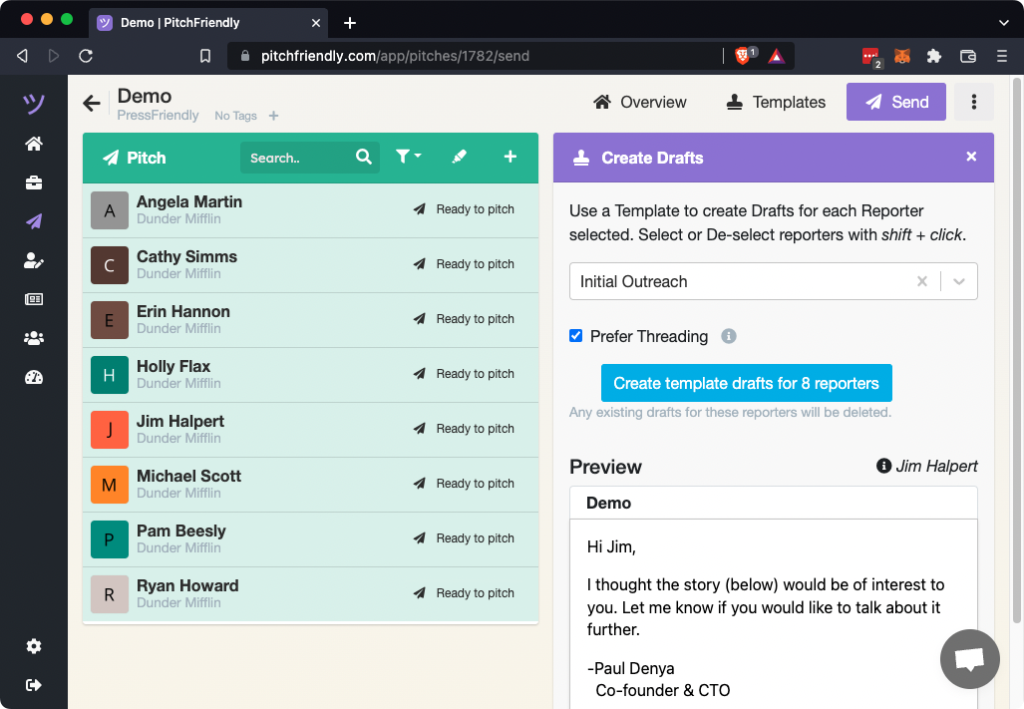
Review each reporter draft
Select a reporter from the list to open the reporter detail view. Edit the draft or send yourself a preview before scheduling the message.