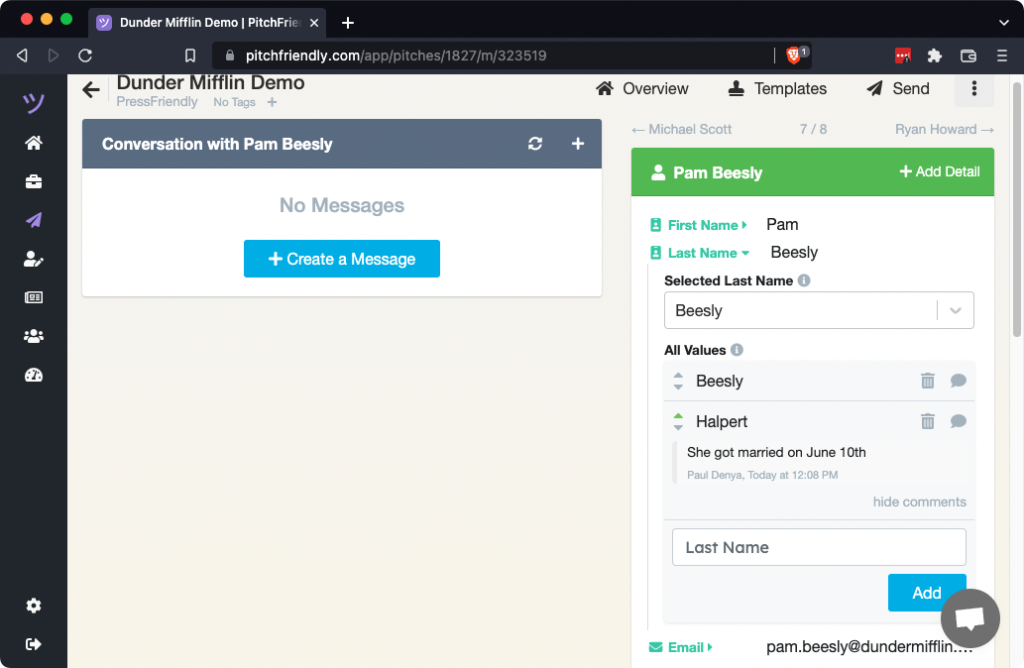
Reporter records can contain multiple candidate values for a field. Add a corrected value, then select it for the current pitch.
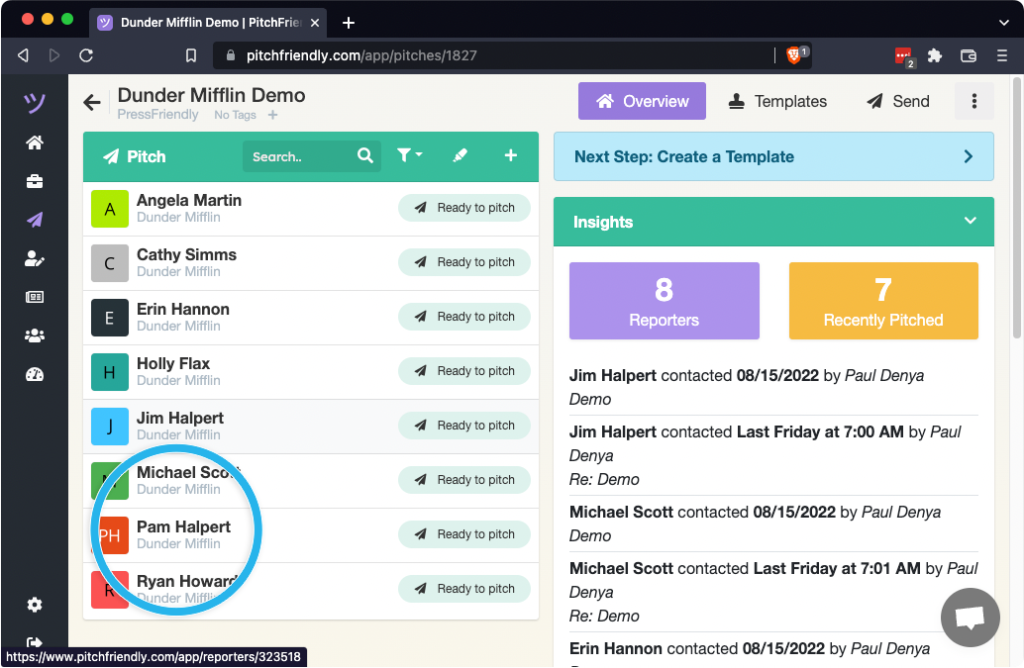
Open the reporter from the pitch
Select the reporter whose information needs correction.

Select the field to open its available property values. This example updates Last Name.

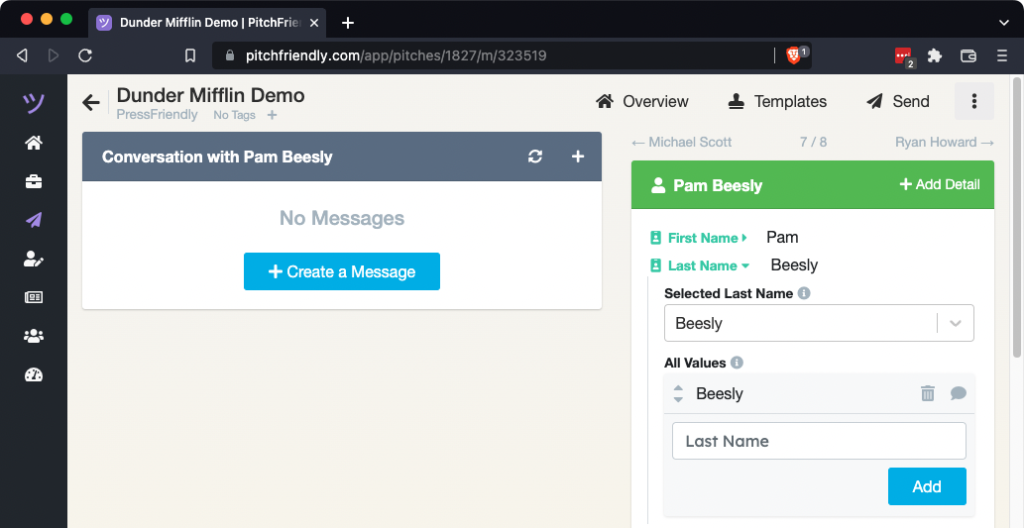
Add and select the corrected value
Enter the missing value below the existing options.

Select Add. The value now appears among the available options.
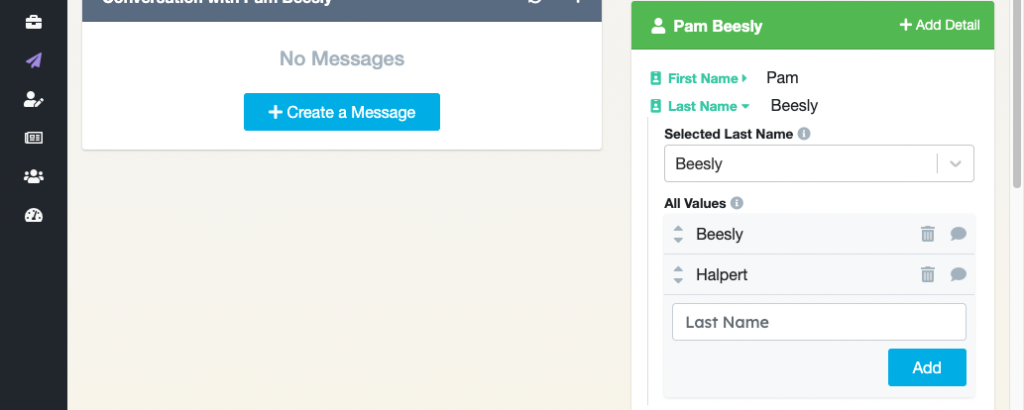
Select the new value so PitchFriendly uses it for this pitch.
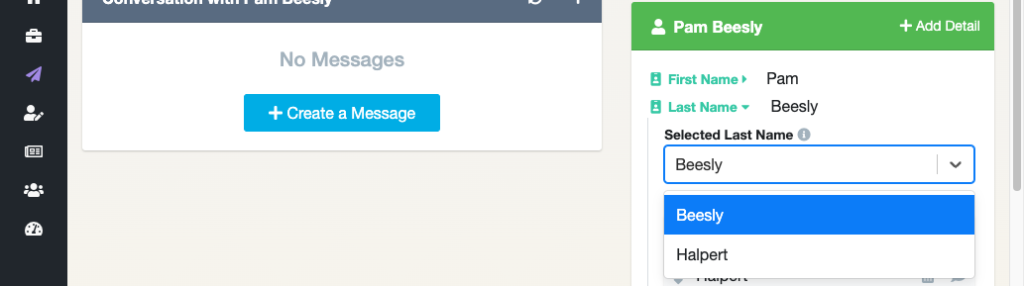
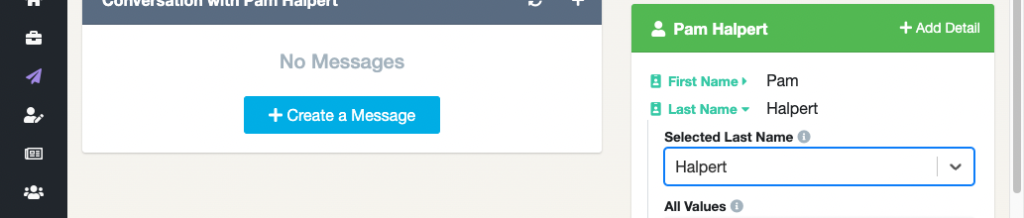
The reporter card and pitch now display the selected value.
Vote on the value and record context
Upvote the corrected value to increase its priority for future selection. PitchFriendly applies that priority during later processing.
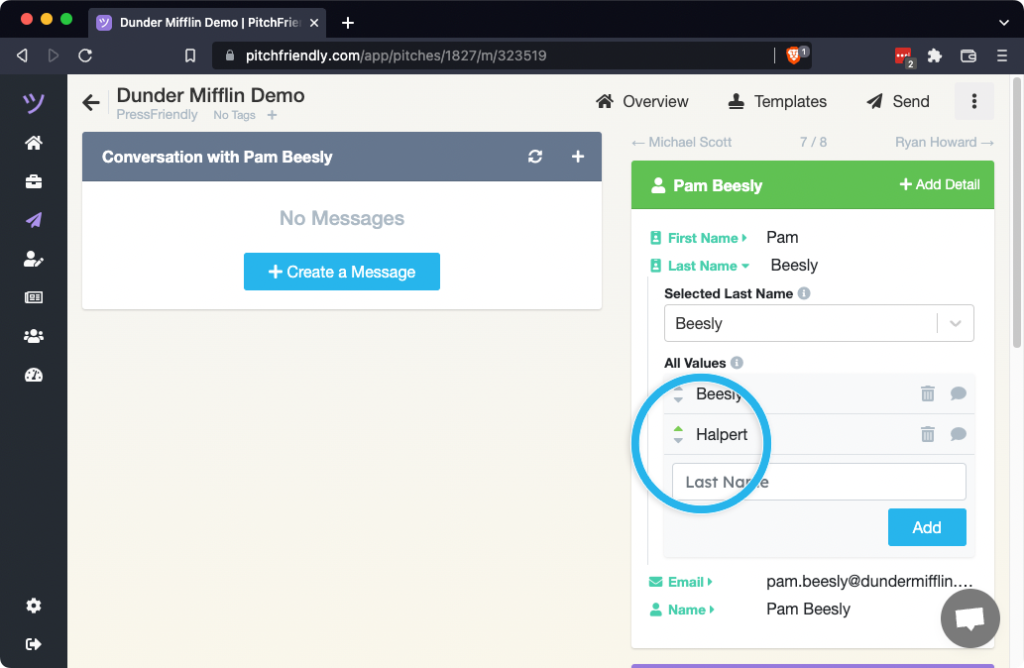
Use the comment control beside the voting arrows to explain the change to teammates.