Multiple templates let you vary the message or subject line for different reporter segments within one pitch. They also support separate follow-up messages for reporters who opened the first email and reporters who did not.
Create another template from the Templates view
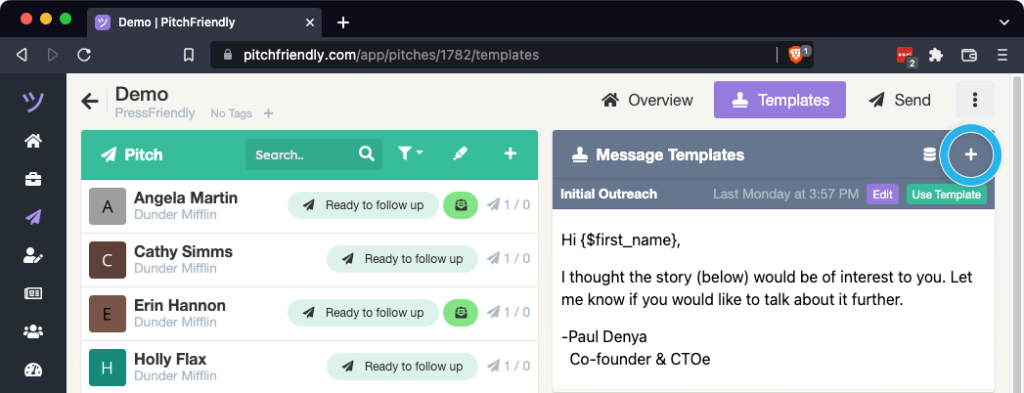
Open the pitch, switch to the Templates view, and select the + control.
Write the message and subject line
Add the subject and message for this version. A follow-up template includes the {$original_message} mail merge field, which inserts the initial pitch below the follow-up. Remove the field if the original message should not appear.
Choose whether to preserve the email thread
When creating drafts, the Use Thread Subjects checkbox controls the subject line:
- Selected: PitchFriendly uses the subject from the reporter's existing thread and prefixes it with
RE:. - Cleared: PitchFriendly uses the subject from the selected template.
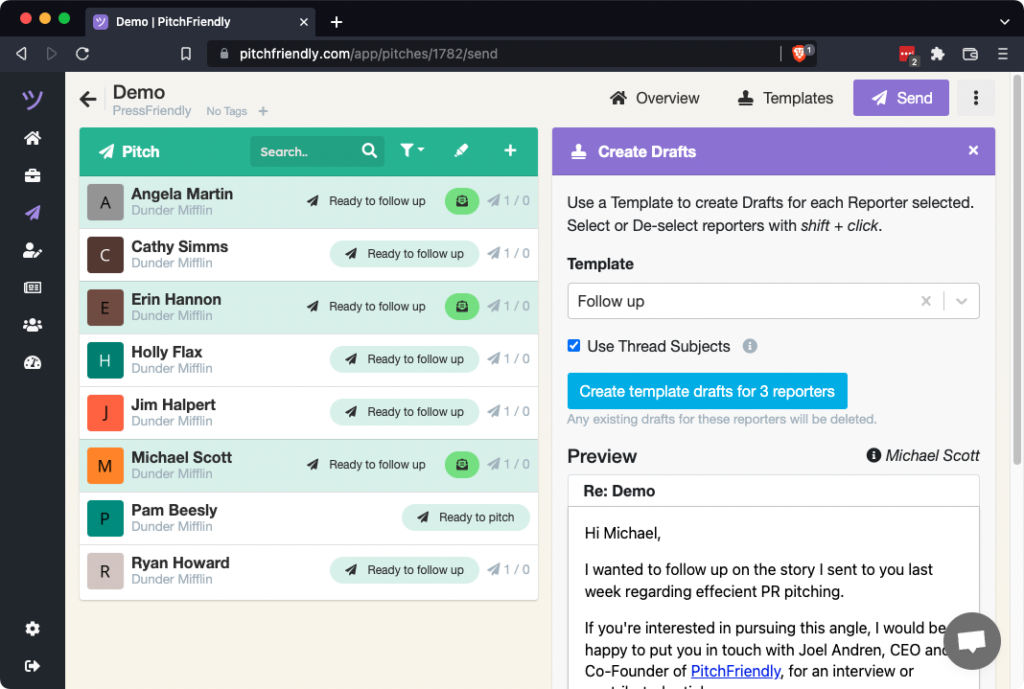
Review the selected template and subject behavior before creating the drafts.